Back to school: the tech checklist for day one
Flat tablets, broken cables, missing devices – six steps so the first morning of term starts calmly, plus a checklist to print.
It's 7:55 on the first day of term. A teacher opens the charging cart and finds half the tablets flat, one cable snapped and nobody quite sure where the rest of the devices were stored over the summer. It happens more often than you'd think – and it always happens on day one.
That first morning sets the tone for students, staff and the whole term. Getting your technology ready before the bell rings is the difference between a confident start and a chaotic one. Whether you are an IT coordinator with 200+ devices or a teacher preparing one iPad set, this checklist has you covered.
1. Do a full device audit – earlier than you think
Start with the basics: count every device. It sounds obvious, it is often skipped – and it always causes problems.
Two weeks before term – not the night before – check every device for cracked screens, faulty charging ports, weak batteries, missing units and anything that needs software updates or MDM re-enrolment.
Repairs take time. Replacements take longer. Last-minute orders are expensive. Build in the buffer now.
2. Test your charging – don't just assume it works
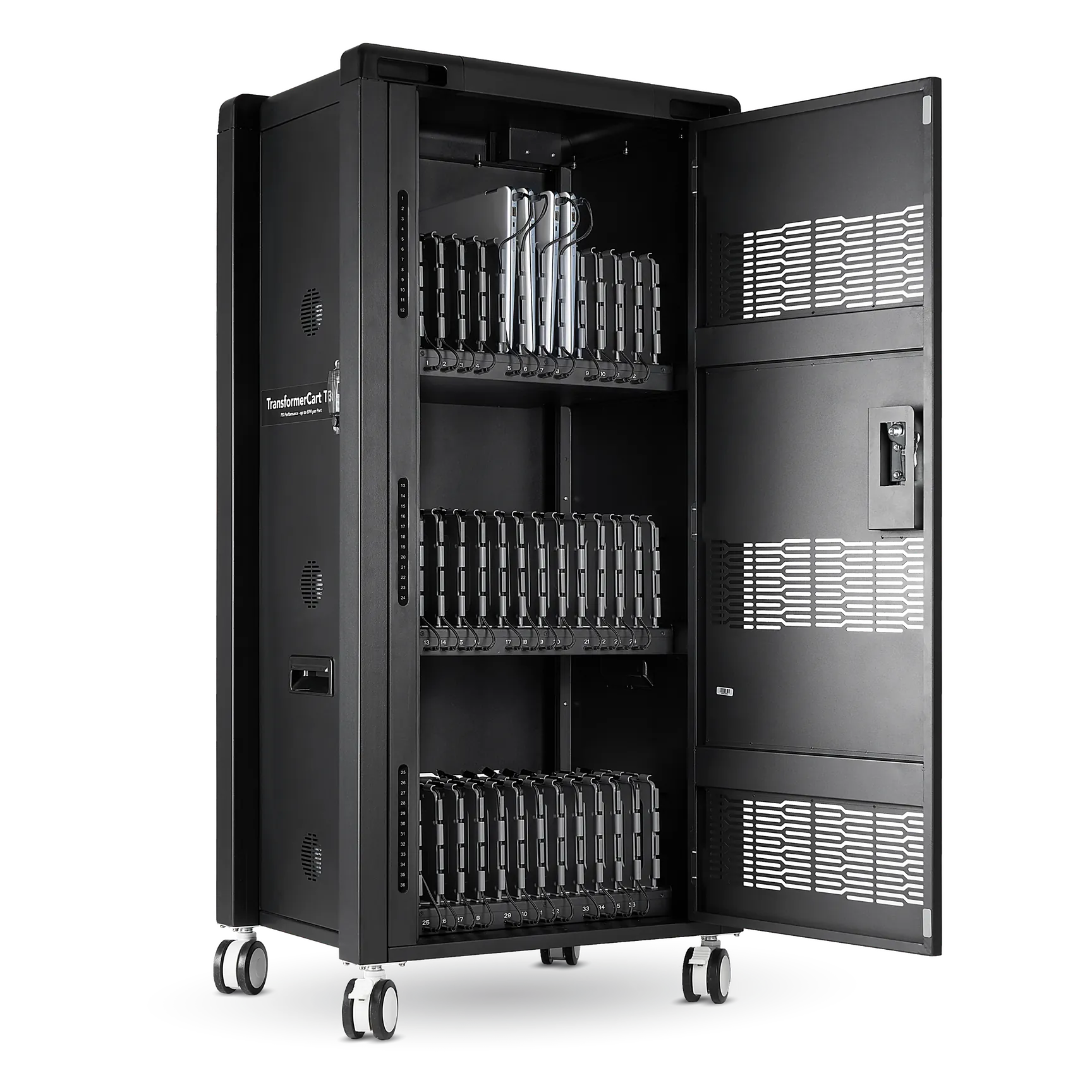
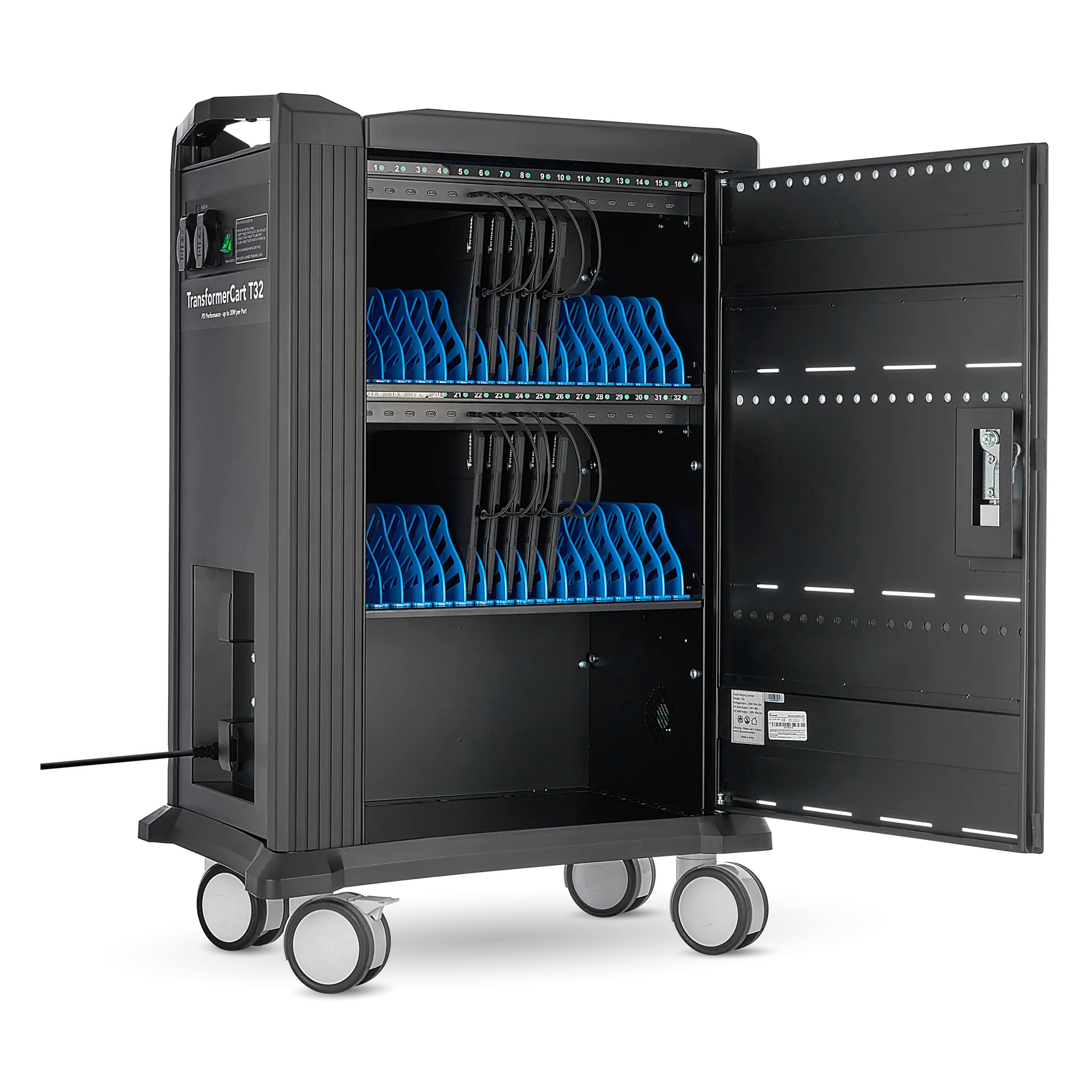
This is where most schools get caught out. A case or cart that worked in June may now have a faulty port, a frayed cable or a blocked fan after months in storage. Test every port, replace damaged cables, check that the LEDs work, and make sure locks, wheels and fans are all fine.
Ventilation matters more than most people think. Blocked fans during high-volume charging are not just an efficiency problem – they are a safety risk.
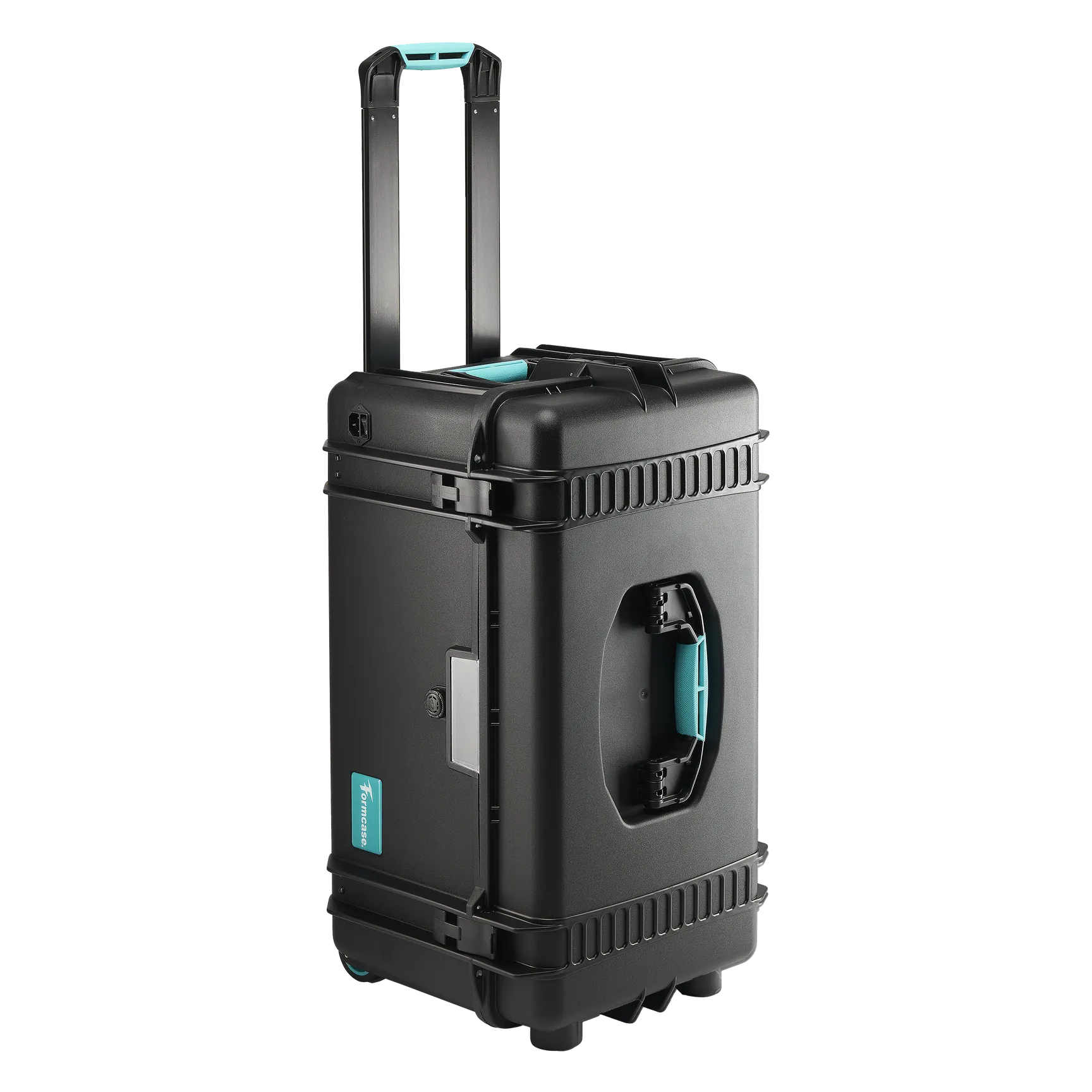
Also check whether every device still gets full power at the same time. Under-powered charging – the case works, but not at full wattage – is one of the most common reasons devices arrive in class with less charge than expected. Formcase TransformerCase and TransformerCart solutions are built for exactly this, with automatic cut-off when devices are full to protect battery health.
If your setup is more than four years old, it is worth asking whether it still does its job properly.
3. Install all updates before students arrive
Few things derail a lesson faster than 15 minutes of iOS updates at 9am. Operating system updates, app installs and MDM profile changes should all be finished before students walk in.
Check that MDM profiles are applied, that content filters and restrictions work, and re-enrol any device that dropped out over the summer.
Sync & charge saves hours: schools using Apple Configurator are much faster with a sync and charge case – devices charge and update at the same time overnight, without manual work.
4. Set up a clear storage and distribution system
How devices move in and out of a lesson matters more than most people realise. A clear routine means fewer lost devices, less damage and real time saved every day.
Every device needs a clearly labelled place in its case or cart. Students should know which device is theirs. Teachers need a fixed routine for handing out and collecting devices. Mobile carts need a parking spot with a power socket.
When every device has a numbered slot, responsibility is built into the system – not left to chance or memory.
5. Brief your staff – even the experienced ones
Technology only works when people know how to use it. New staff may never have seen your charging setup. Even experienced teachers benefit from a quick refresher.
It doesn't have to be a long training session. Five minutes in a staff meeting, a one-page guide in every classroom or a short video is usually enough. Supply teachers especially need to know where devices are stored and how to get to them.
6. Have a plan for device failures
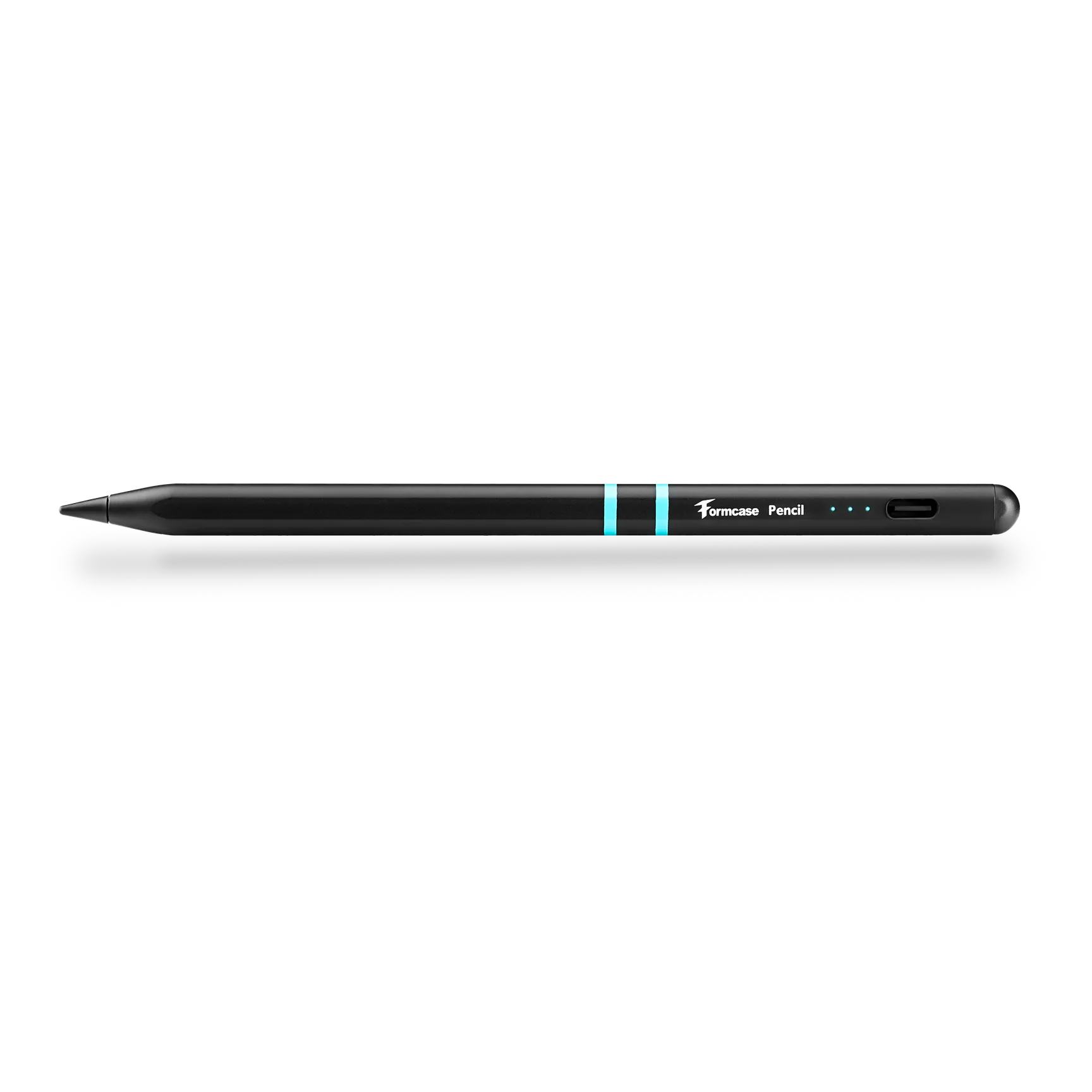
Even with the best preparation, things go wrong. Keep spare devices ready, spare cables and accessories at hand and a clear way to report faults. Make sure IT support is available on day one – not only from day two.
One faulty device doesn't have to disrupt a whole lesson. It only does when there is no plan.
Your checklist for day one
- Full device audit done
- All charging ports and cables tested
- Ventilation and safety checked
- All software and apps updated
- MDM profiles checked and applied
- Storage and distribution system in place
- All staff briefed
- Spare devices and cables ready
- Plan for device failures ready
- Charging equipment serviced
FAQ
What technology does a classroom need before the school year starts?
Devices that are fully charged, securely stored and easy to manage every day. Many schools use charging and storage solutions that keep tablets and laptops organised, protected and ready from day one.
What is the best iPad charging solution for a class of 30?
A charging cart that charges all iPads at the same time, with cable management and – if needed – sync, so all devices are updated together.
Do classroom tablets need protective covers?
Yes. Shared tablets are handled many times a day. Shock-absorbing covers with reinforced corners reduce damage from drops and daily use.
How do teachers keep classroom devices organised?
With charging carts or cases that have a numbered compartment for every device, tidy cable management and a fixed routine for handing out and collecting.